Related post widget always help us to reduce bounce rate and increase visitors time on the site. Related post are always shown at end of article to engage readers.
In Blogger, there are no official widget available. But now you can easily add Best Customizable Related Post Widget for Blogger using nrelate. nRelate is a free tool that adds related post widget to blogger even in wordpress or any other site. In this post I will only show you how to add Customizable Related Post Widget for Blogger using nrelate.
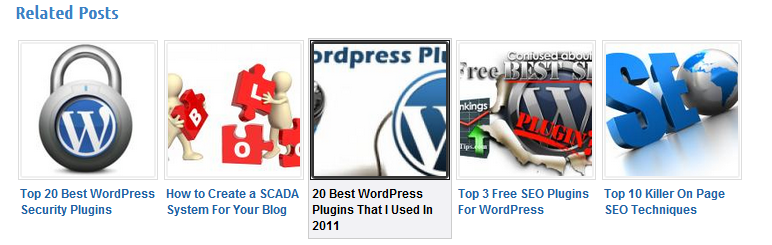
Fully Customizable Related Post Widget for Blogger
- Go to Partners.Nrelate.com. Register for your new account here.
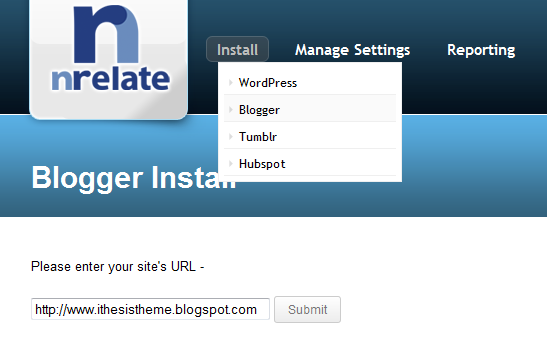
- Click Install Tab => Blogger
- Enter the domain in which you want to add nrelated post widget for blogger. Than click “Submit”
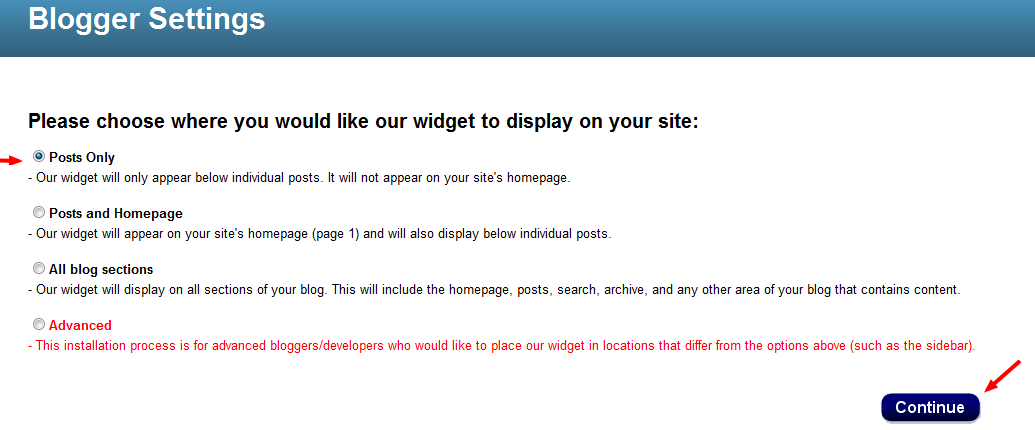
- In next page. It will ask you to select option where you want to show related post. Better to select Post only!
- Click the “Add to Blogger” button below and then click “Add Widget” as shown in the following image.
This will complete the installation. It may take up to 2 hours before appearing on your site.
- After clicking the Continue button you will be presented with a option to Add the widget to your blog. Select your blog and click the Add Widget button
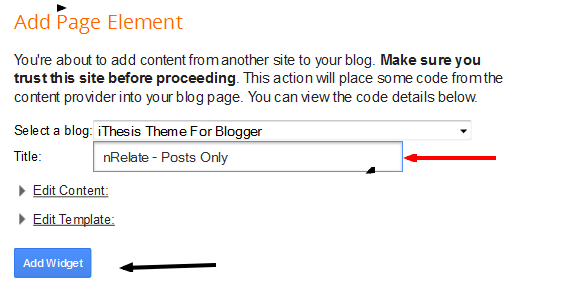
That’s it. Now you had added related post widget for blogger using nrelate. Now its time to customize it ;)
How to Customize nrelate widget ?
Customization is very easy. All you have to do is just customize your site from nrelate menu.B elow are few options that are available in nrelate related post widget for blogger dashboard.
Go to Manage Setting => Blogger. Here you will see main setting first.
- In main setting you can edit size of your related post along with number of articles you want to show in related posts.
- You also show sponsored ads. If you want to make extra money ;) from your site!
- You can also add link back to nrelate site if you like this widget.
Customizing Thumbnail Style!
You can customize this related post widget thumbnails style. This comes with 5+ awesome style for your related post. You can select anyone that you want from that drop down option in “Manage Setting => Blogger => Styles ”
Don’t be panic. :D
It may take 2 hours to show related post widget in your blogspot blogs. I am using nrelate in my wordpress blog too. Its awesome related post widget.
That’s all. I hope you like this article and related post widget for blogger by nrelate.com . Its best widget not only easy to use but also very easy to customize. Isn’t it? ;)
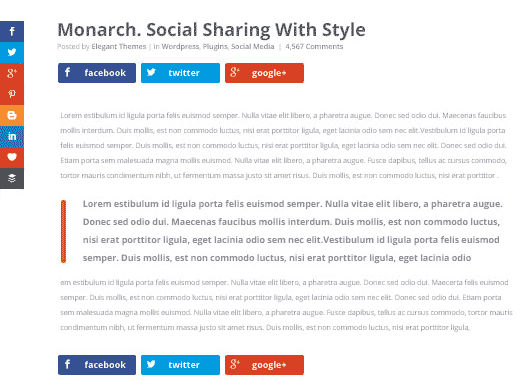 If you need a social sharing and social following plugin for your WordPress blog then Monarch is the first choice. The social media plugin by Elegant Themes is focused on increasing shares and followers.
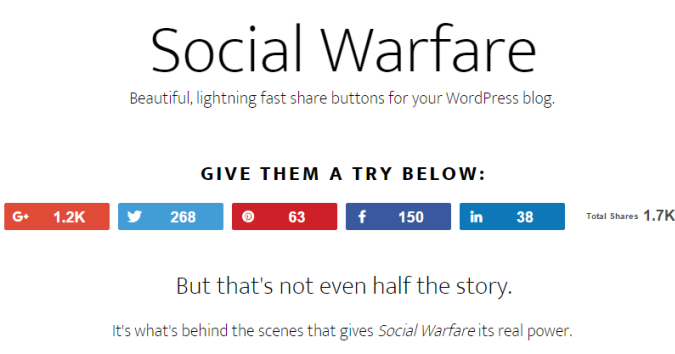 Another social plugin that is advantageous in driving more traffic to your website is warfare plugin. The premium social sharing warfare plugin is specially designed for WordPress users.
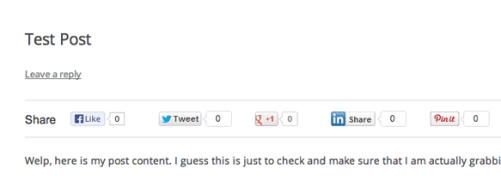 Among WordPress plugins, floating social bar is another notable plugin which bloggers should consider. When you install this plugin, a horizontal floating share bar is added to your web contents.
 The free Mashshare plugin is commonly known for its attractive style of sharing social media icons to your blog. If you want to have a clean plugin that is responsive and highly impressive then Mashshare should be your choice. It is fast and ready to go.
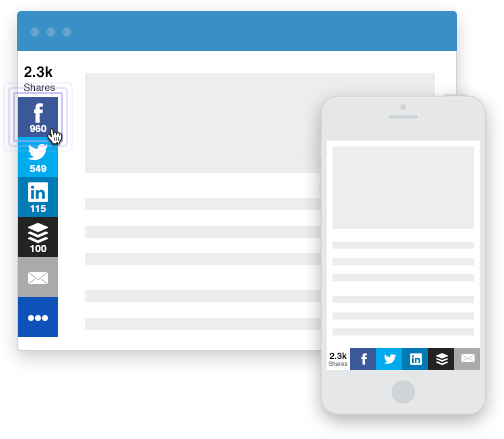 If you are a non-techie or even a webmaster, this WordPress plugin called ‘Sumome’ obtains multiple features for the benefit of your website.
 This incredible plugin has jotted down everything at an ease for all the WordPress users. Social Sharing, Smart Popup and Share Buttons by Get Social is a freemium WordPress plugin that you can integrate into your site.

 Sharebar plugin is little different due to its vertical box, obtaining multiple links to famous social sites. If you have a wide blog, a vertical social sharing bar displays on the left side of any article.