
If you own a website and you want it to be the best, then you must have the best landing page for it. There is a number of software available in the market that will provide you with the attractive and right landing page.
To be very precise, the Getresponse Landing Page, Leadpages and Unbounce are one of their kinds of software which are highly recommended by the experts.
Why is landing page so important?
The very first face of any company or any product is its website’s landing page. In this digital era, the companies are focusing on building up the page that will define more about their services and their objective. The companies collect visitor’s information through various ways or by asking them to fill the visitor’s form.
Now, how this software helps the developers and website marketers to enhance their landing pages and which one is the best, let’s take a look!
Design
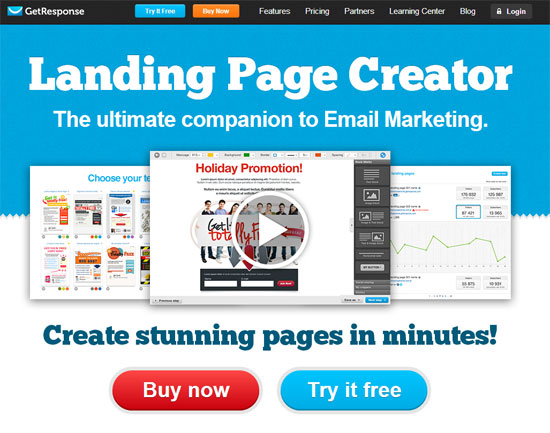
GetResponse
When you want to build your landing page with GetResponse, then you will get more than 100 templates for that. When you are done with creating the Landing Page, then with the single click, you can share it or send it Live too.
Unbounce:
The designs by Unbounce are pretty user friendly that you do not need to do things manually to be precise. You simply have to drag and drop the stuff. With this software, you get 83 templates to choose from. Not only that you get the readymade templates, but you get that customized way of creating the templates as well. In it, you can have the picture in your background and parallax scrolling as well.
Leadpages:
The templates by LeadPages are very user friendly with almost 70 designs on the Landing page. These templates are very much user friendly too. No matter which device you user is using, he will be able to log in to his website while using the LeadPages template.
Even if you do not have any HTML coding knowledge, you can still edit the page. In this software as well, you can customize the whole template.
Incorporation with the analytics
GetResponse
You get 100% integration with the Google Analytics, CRM, email marketing and other software when you are using the GetResponse software.
Unbounce
You can incorporate your landing page with any analytics software or website that you want. Be it the CRM software like Hubspot, Zoho or Salesforce, be it any marketing software like Infusionsoft, Hubspot or Marketo. It is also well integrated with the KISSmetrics and Google Analytics. While if talking about the email marketing software like MadMimi, AWeber and MailChimp, the Unbounce is well equipped with the third party software.
LeadPages:
Same with the LeadPages, the software has inbuilt tools that allow it to get the insights automatically. You can easily get the page views, conversion ratios, etc with the LeadPages optimized landing page. So, it does not matter that what sort of marketing campaign you are running; you can easily assess the outcomes.
Split testing
Unbounce
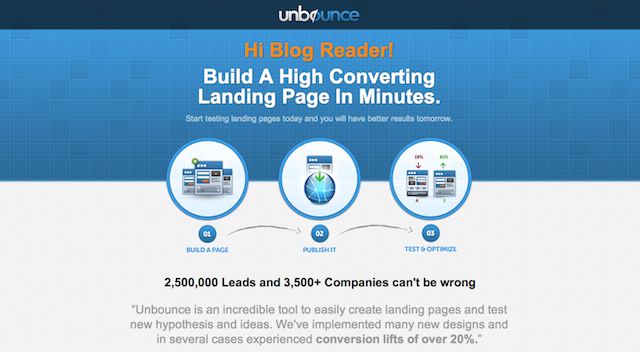
We all want to know that what is our visitor or client thinking and what is their way to respond to the different sort of landing page. With the facility of split testing, the Unbounce enable the client to have any number of landing pages that they want. With that, you can assess that how the client is responding to a certain page.
LeadPages:
Same with the LeadPages, you can perform A/B split test with various pages. These tests are very effective in designing the best landing page for your website. Once you know that which tests have been effective, you can then choose one from them and edit them as per the results.
GetResponse
Create as much as landing page you want with the GetResponse and you can check out that what is liked by your visitors.
Social media integration
GetResponse
The GetResponse has the ability to get integrated with the social media forums easily. Whether it is YouTube, Facebook, Twitter, etc.
Unbounce
Everyone gets to know about any company through the social media page. These pages spikes up the interest of a user and then they ends up on your landing page. Same as that, the Unbounce also has the great integration with your social media channels and you can then easily share your business that way.
LeadPages
The LeadPages is highly compatible with the social media like Facebook and enables you to promote the website on social media. Share your Landing page on the Facebook and from there, you can reach the desired audience easily. LeadPages is one of that software with inbuilt social media support.
Prices
GetResponse
The prices by GetResponse are also very competitive and it starts from $15 package plan per month.
Unbounce
The prices of Unbounce are $49 each month and they can be renewed on monthly or annual basis. Prior to buying the monthly or annual plan, the software offers you a free trial for a month. The package can be bought online easily as per your preferences.
LeadPages
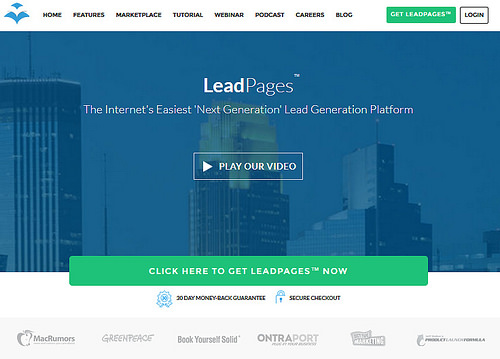
The packages for the LeadPages start from $22 each month. It may sound cheap, but it is not low with the quality for sure. You get three packages at the LeadPages for the landing page software. Choose as appropriate for you and your business tasks. LeadPages also offers you a month’s free trial.
My Final Words
Whatever packages and features, both of this software is offering, you must choose the one that is fulfilling your landing page requirements. The prices are both reasonable and have got the features that will enhance the user experience of your website and its visitors. All in all, the GetResponse seems bit better than other Landing Page software.

Getresponse is always one of my favorite landing page builder which I love to use! I never tried other too but I will surely try them out on some of my blogs!
Thank you Ammar!
Really solid breakdown of different landing page software available, Ammar. I was wondering if you’ve tried Instapage before? Full disclosure, I work there, but thought it was worth mentioning here since all of the factors you break down above can be done with Instapage. Drag-and-drop design to make creation a breeze, A/B split testing to make sure the page is converting at it’s full potential, analytics and social media integration (along with many other tools), and priced better than the others listed.