
I recently found out that adding pictures to individual blog post really makes each article sticky and resonates more with those who read it, because an image tells more story than a bunch of words crumpled together. But due to the advent of copyright laws online these days, you can’t just pick up any beautiful image you see online and slap it into your blog post, because if the owner of that image hasn’t given you right to use it, then you might end up be sued for copyright infringement (which might warrant you taking down the photo).
So in other to avoid this copyright infringement and stay on the safe side of things, you might want to stay clear copyrighted images and focus on those ones which are free to use.
In case you don’t know where to find such free images as aforementioned above, below are 7 awesome websites that you ransack today in your search for free images.
1. EverstockPhoto [http://www.everstockphoto.com]
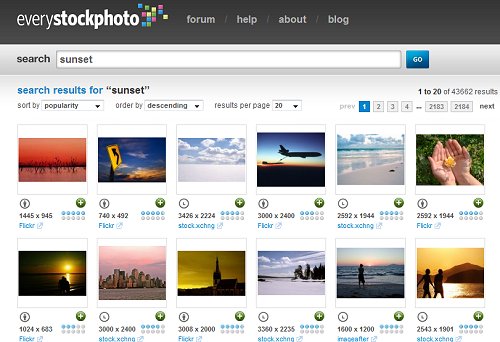 Everstockphoto is one of the most popular website to find free images, it is known to be the search engine for free images. Their images comes from many sources but don’t feel uncomfortable they are all license specified.
Creating an account on everstockphoto for free, you can upload, tag, comment and collect images on behave of your free account.
Currently they are having more than a million images on their site. Everstock was launched in April 2006.
One of their main aim is to become the leading portal for the stock exchange photography community, and add more features to service.
2. Stock.XCHNG [http://www.sxc.hu]
 This awesome website is probably of the biggest places on the internet to look for free images. It has over 400,000 free images on virtually different any topic on the internet; ranging from Arts, Technology, blogging etc. Also, since it’s now owned by Getty Image, be expecting to see more enhanced image search services on the long haul. Give them a try today.
3. Free Photos Bank [http://freephotosbank.com]
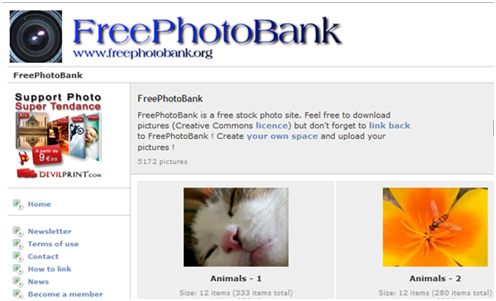 This is another awesome site to get free images for your blog posts. Free Photo Bank offers you an awesome option to see which photos are the most downloaded and the good thing is – you really don’t have to register in other to download them. Plus you can decide to use it literally for anything you have in mind.
4. Photo Pin [http://photopin.com]
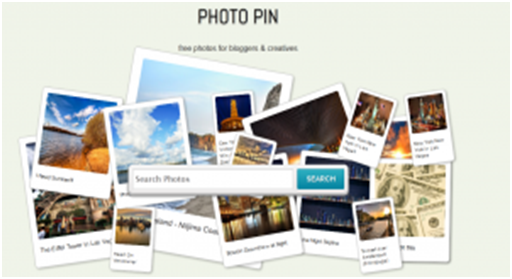 An awesome website that is among the best when you want beautiful images, top-quality and elegant free photos for your personal use, Although each images there are under the protection of creative commons licensing – this means if you end up using any of photos from Photo Pin you’d need to link back to the original source.
5. Freedigitalphoto.net [http://www.freedigitalphotos.net]
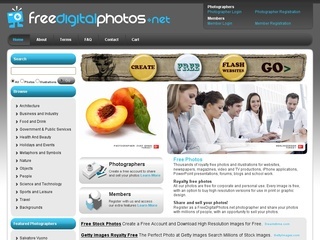 Yet another awesome free image community, they have a unique way of uploading images on their website. All their photos are free, either business, personal or educational, it all free. although their images are of small size, but they are all perfect, if you need the larger size of their image then you need to go for the premium account.
6. Foter [http://foter.com]
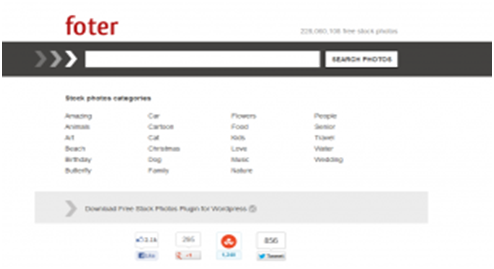 This is yet another free image website where bloggers can come and get relevant photos for their blog posts. And just like Photo Pin above, you can use any of the images but you mustn’t forget to give credit back to the image source.
Apart from that, there’s no other restriction, so you can decide to use the images as you deem fit.
7. Unprofound [http://www.unprofound.com]
 There are enormous amount of totally FREE relevant images for you to use if you’re targeting to get an image impromptu.
With Unprofound , which I consider the best because of the no-restriction it gives with the use of it images; you can use the images gotten from there for anything you have in mind. Either for educational, personal or commercial purposes, images from Unprofound will help you better in being on the safe side of things.
8. Comp Fight [http://compfight.com]
 Comp Fight makes it quite easy searching for Creative-Commons-Licensed images for your content uses daily. The beauty of this site is it ability to search out relevant images from Flickr and combining it to their own images so that you can get the most relevant image search ever.
9. Morguefile [http://morguefile.com]
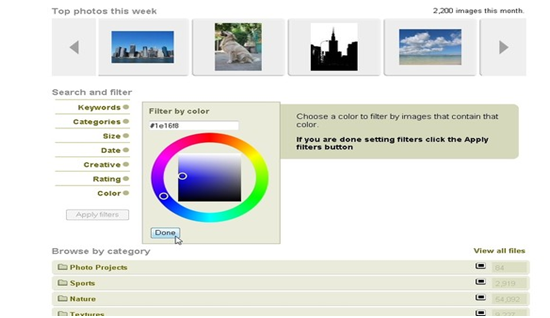 It has a massive amount of images for free download, ranging from arts to all kinds of images. But these images can only be used for personal, practical and educational uses and it can’t be sold or used for commercial purposes. So while using images from Morguefile you might want to be really careful not to end up using it for things other than what I just mentioned above.
10. Stockvault [http://www.stockvault.net/]
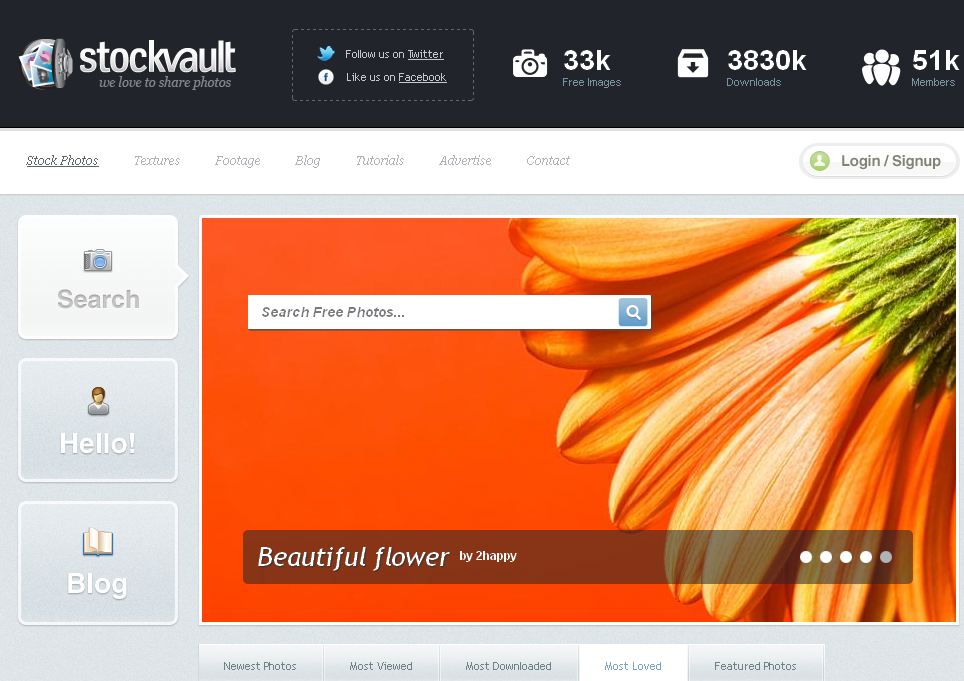 On my last list is stockvault, not that stockvault is the worse free images community. Among the images communtiy listed here it’s one of the best community to find free images. It was launched in 2004, its a community for students, graphics designers and photographers, these three group of people can share images for others to use without no cost. They are having over 30,000 free images available on the website.
You can even try these two websites to find quality images for your blog posts
So in conclusion, all these sites are the best in terms of getting free images and they can keep you safe from photographer’ wrath if you adhere to follow all the instructions attached to using each images gotten from their sites.
But let ask, did I miss your favourite free image website? Please tell us yours in the comments. Thanks for reading.

 Sometimes all you need is a good idea. This is more so if you happen to be a blogger. A lot of bloggers have enough time on their hands to blog everyday yet they seem to be lacking ideas. If you are facing a dearth of ideas for blog posts, you are certainly not alone. For bloggers who want to write good quality content that is interesting, a dearth of blog post ideas is something they have to deal with often. But don’t worry. There are ways in which you can find unique blog post ideas for your blog. You can also use