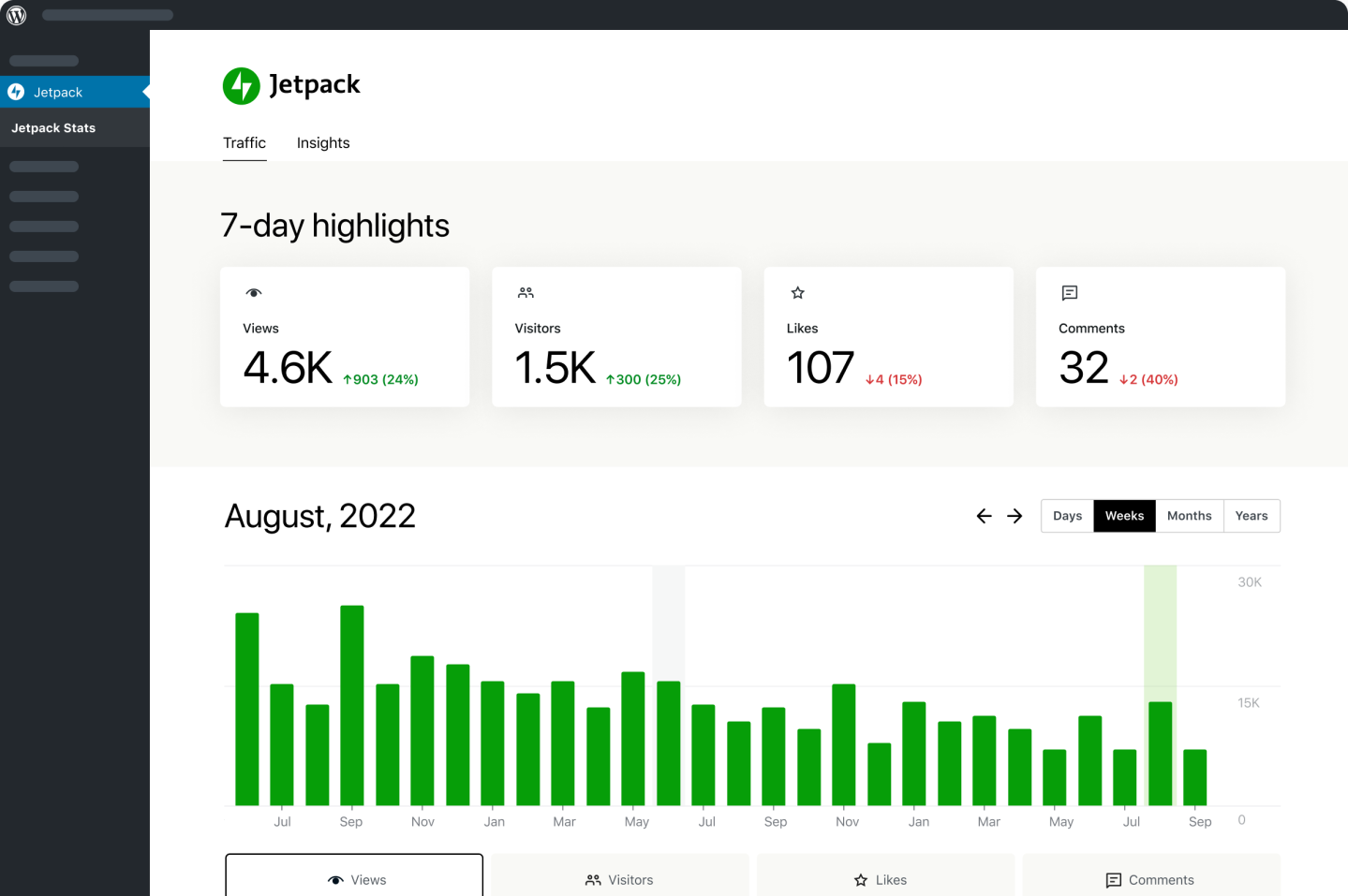
WordPress plugin is regarded as an optimal choice for extending website function, with which people can enhance their sites conveniently without learning professional skills. And also, almost all plugins are free of charge so as to encourage webmasters to install too many WordPress plugins immoderately. However, more installs doesn’t create a better site.
In most cases, webmasters install WordPress plugins blindly instead of thinking twice. That is the leading cause to slow down page loading speed and get the whole site in trouble. Thus, if you are in the same situation, you have to take action to clean some unnecessary plugins right now.
[Read more…] about Are You Using TOO Much WordPress Plugins on Your Blog? Stop Right Now!
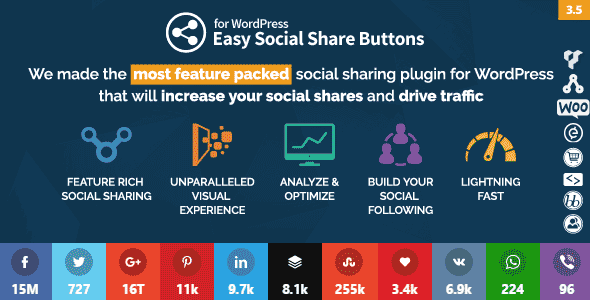
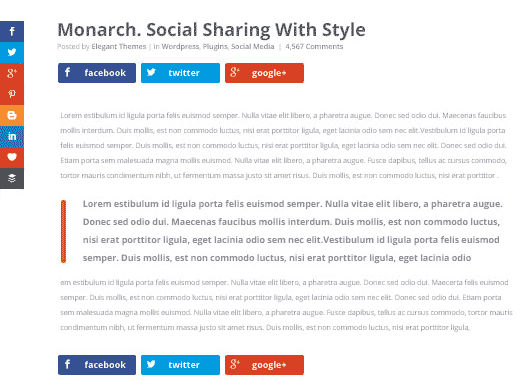 If you need a social sharing and social following plugin for your WordPress blog then Monarch is the first choice. The social media plugin by Elegant Themes is focused on increasing shares and followers.
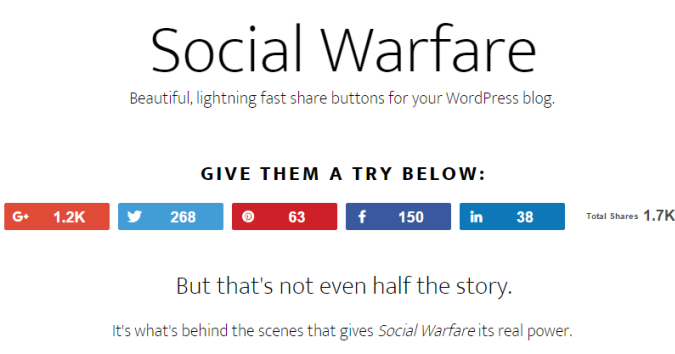 Another social plugin that is advantageous in driving more traffic to your website is warfare plugin. The premium social sharing warfare plugin is specially designed for WordPress users.
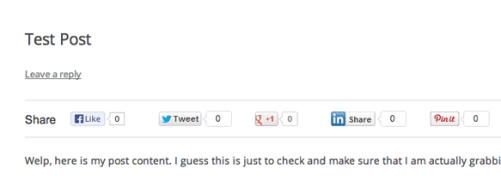 Among WordPress plugins, floating social bar is another notable plugin which bloggers should consider. When you install this plugin, a horizontal floating share bar is added to your web contents.
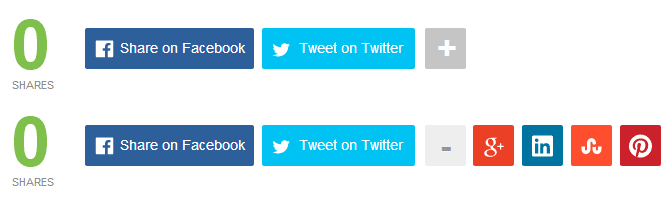 The free Mashshare plugin is commonly known for its attractive style of sharing social media icons to your blog. If you want to have a clean plugin that is responsive and highly impressive then Mashshare should be your choice. It is fast and ready to go.
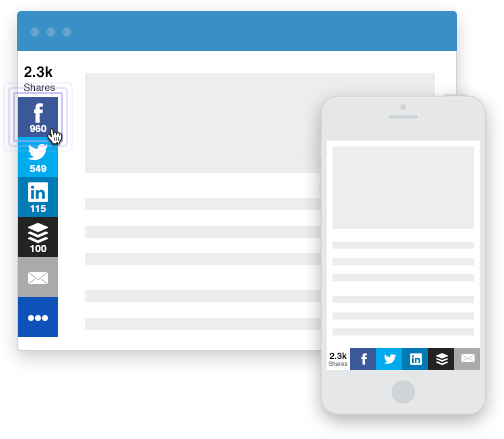 If you are a non-techie or even a webmaster, this WordPress plugin called ‘Sumome’ obtains multiple features for the benefit of your website.
 This incredible plugin has jotted down everything at an ease for all the WordPress users. Social Sharing, Smart Popup and Share Buttons by Get Social is a freemium WordPress plugin that you can integrate into your site.

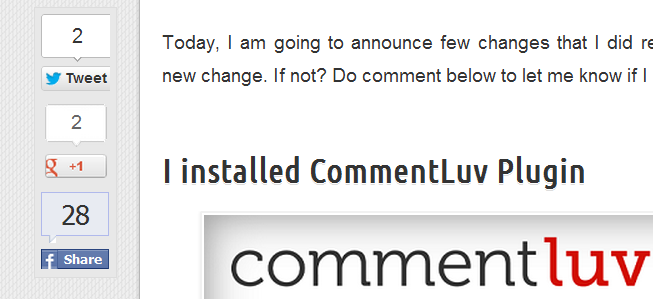 Sharebar plugin is little different due to its vertical box, obtaining multiple links to famous social sites. If you have a wide blog, a vertical social sharing bar displays on the left side of any article.